iPhone · iPad · Mac · Claude

Download DormWay

Your classes, deadlines, and Ace on every device you study on, all synced with the web.
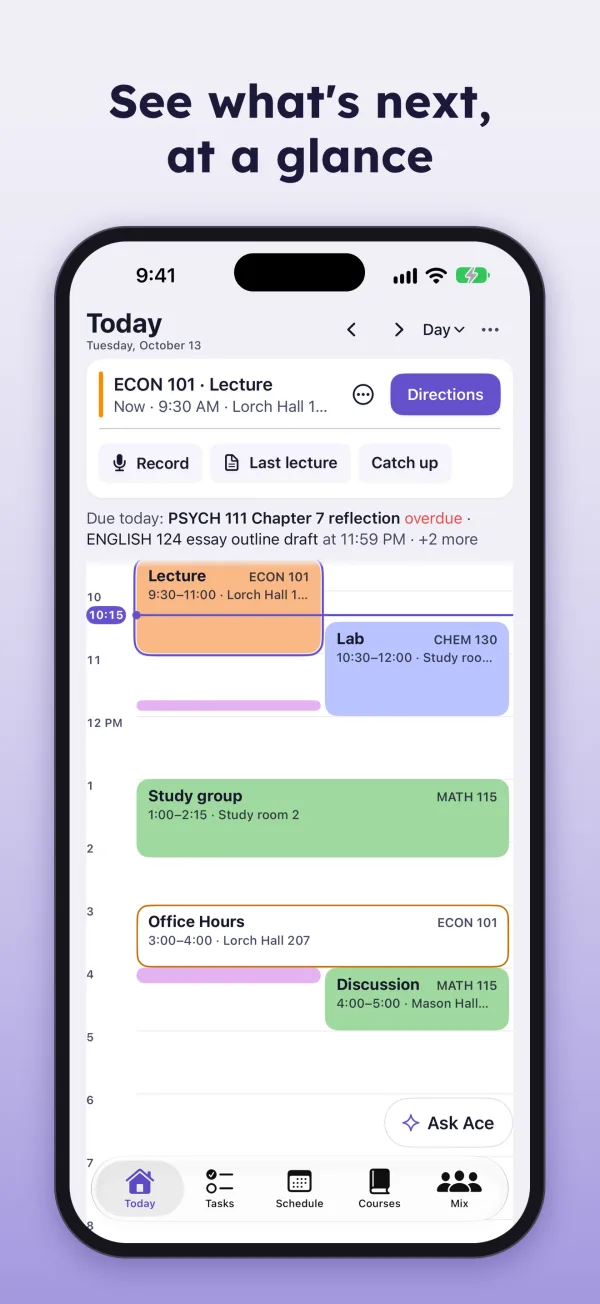
  • See what's next, at a glance. The Today view mid-class.
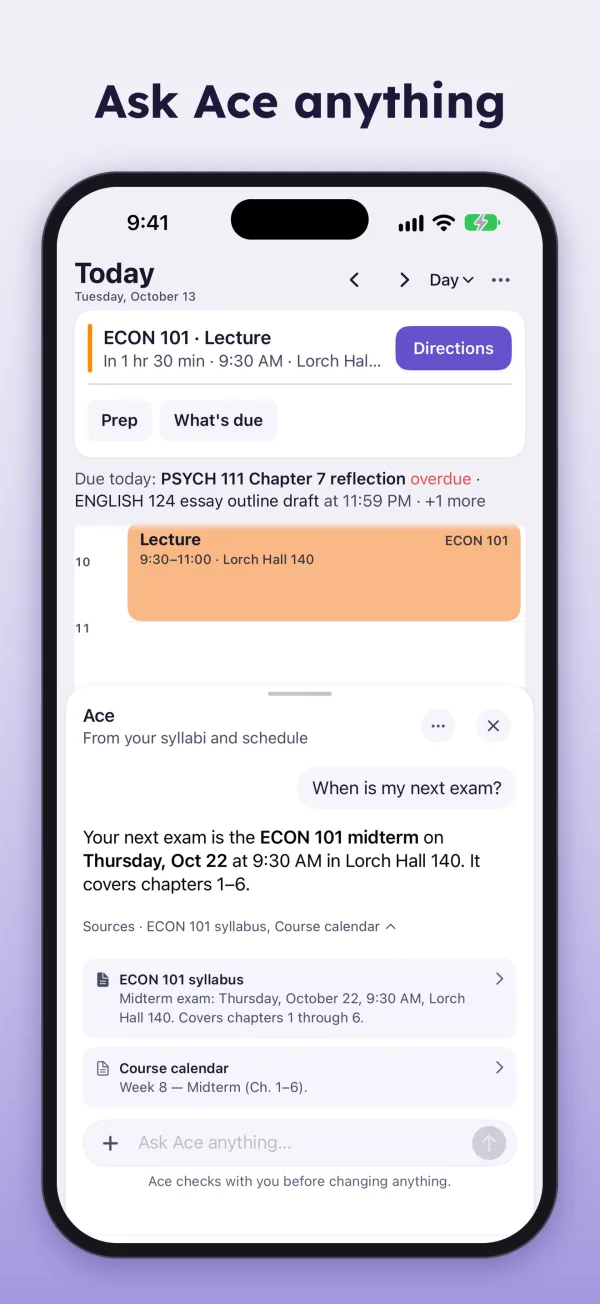
  • Ask Ace anything. Ace answering when the next exam is, with sources.
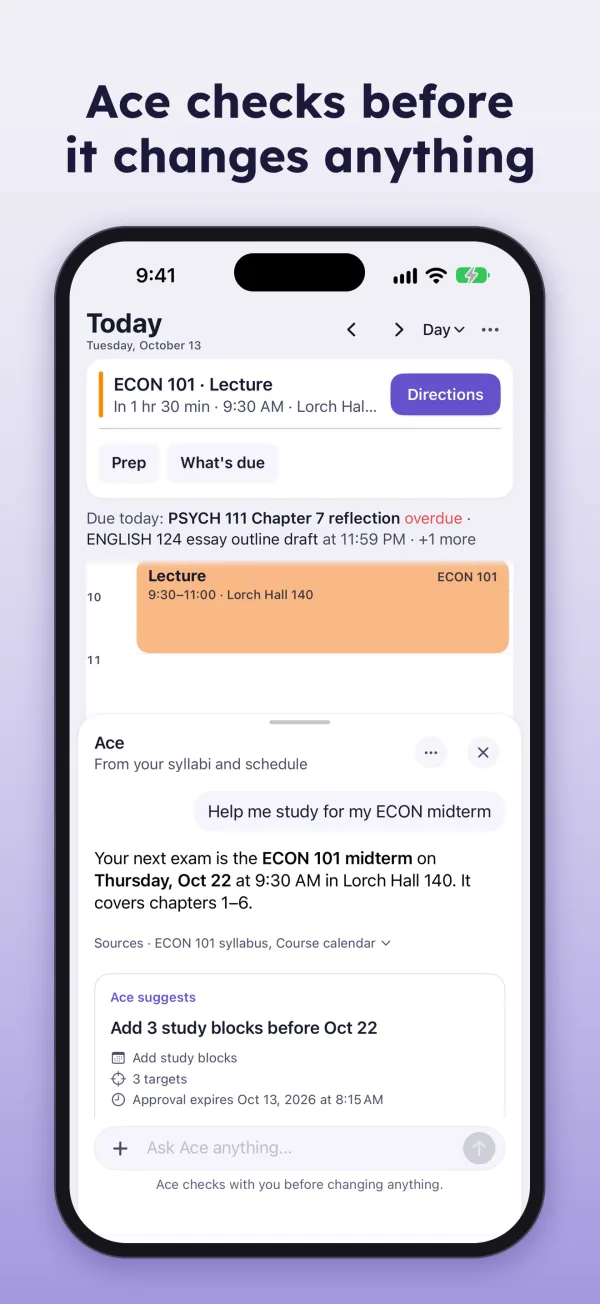
  • Ace checks before it changes anything. A proposal to add three study blocks.
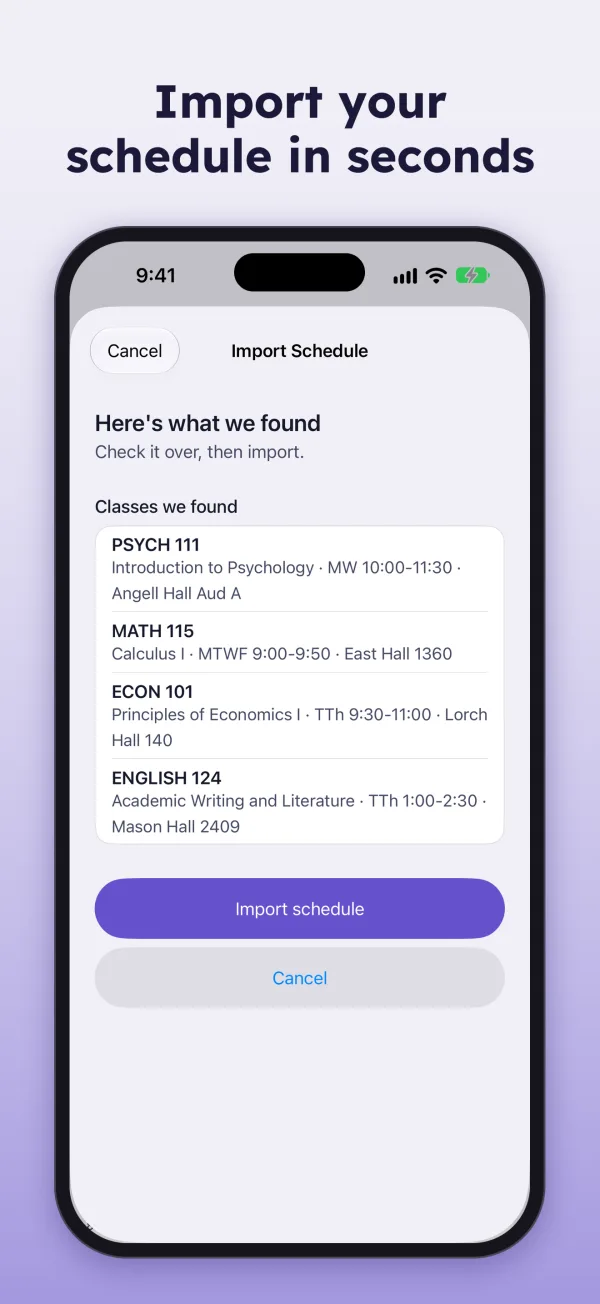
  • Import your schedule in seconds. The import preview listing four classes.
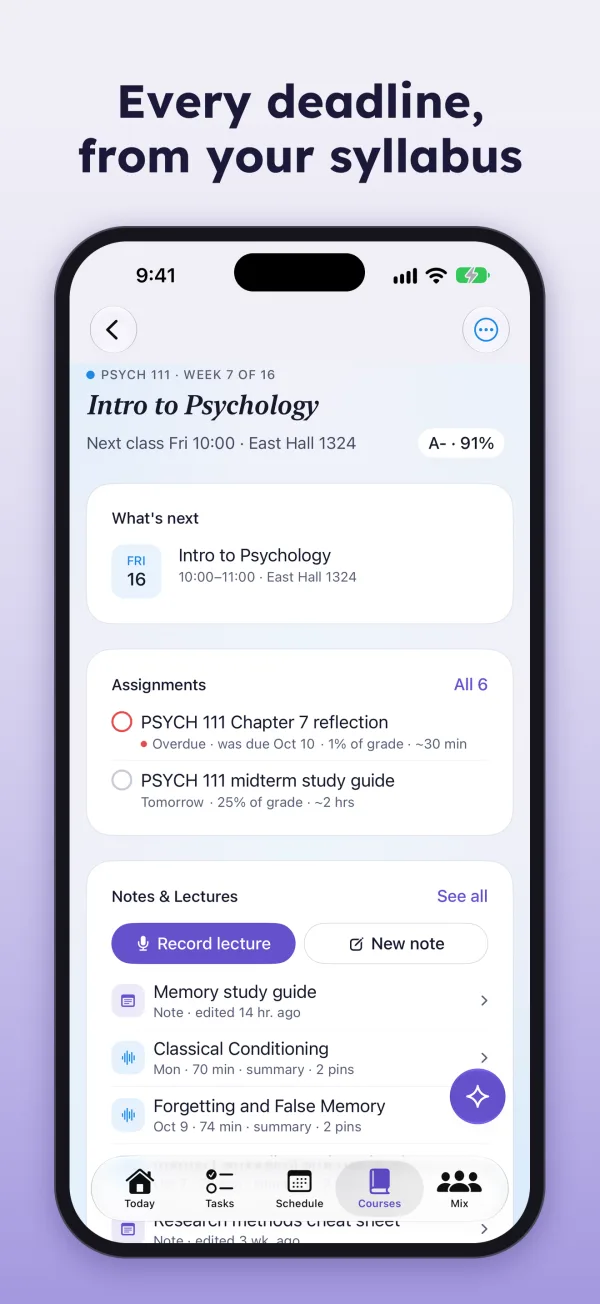
  • Every deadline, from your syllabus. A course page with assignments and grade weights.
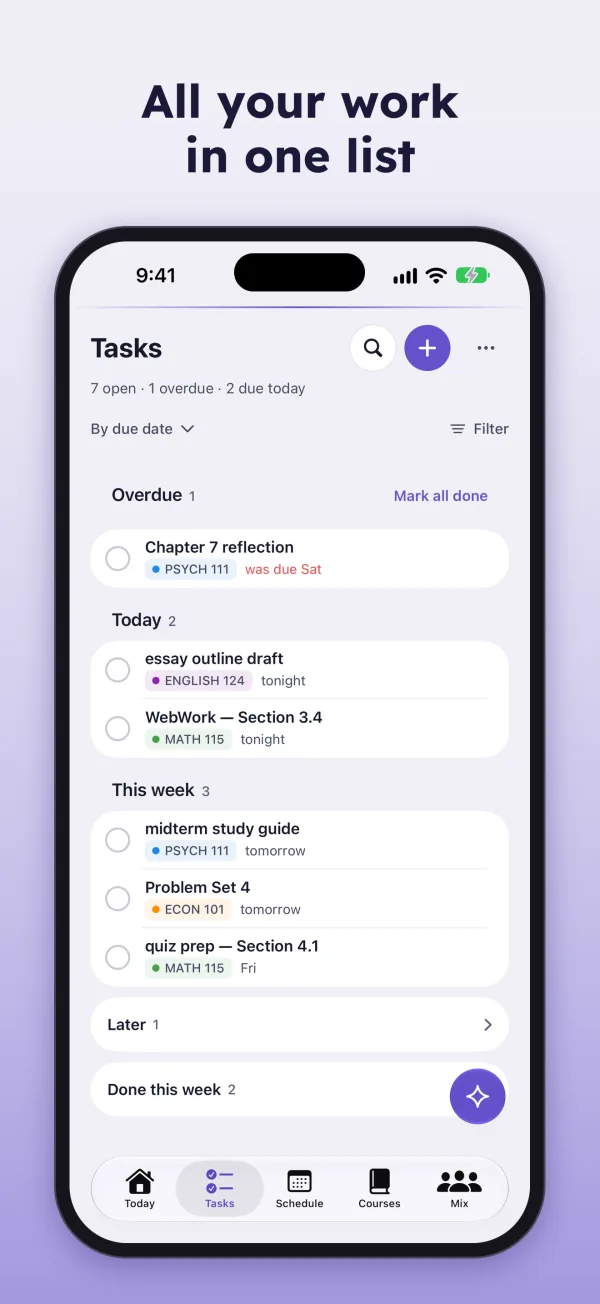
  • All your work in one list. Tasks grouped by due date.
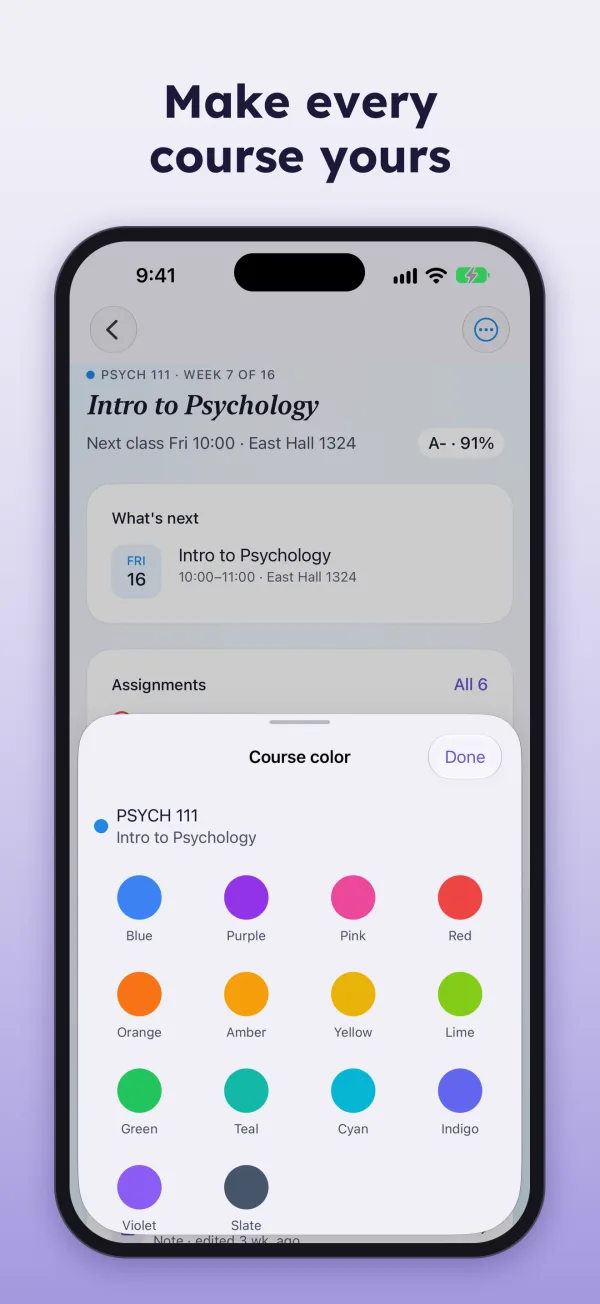
  • Make every course yours. The course color picker.
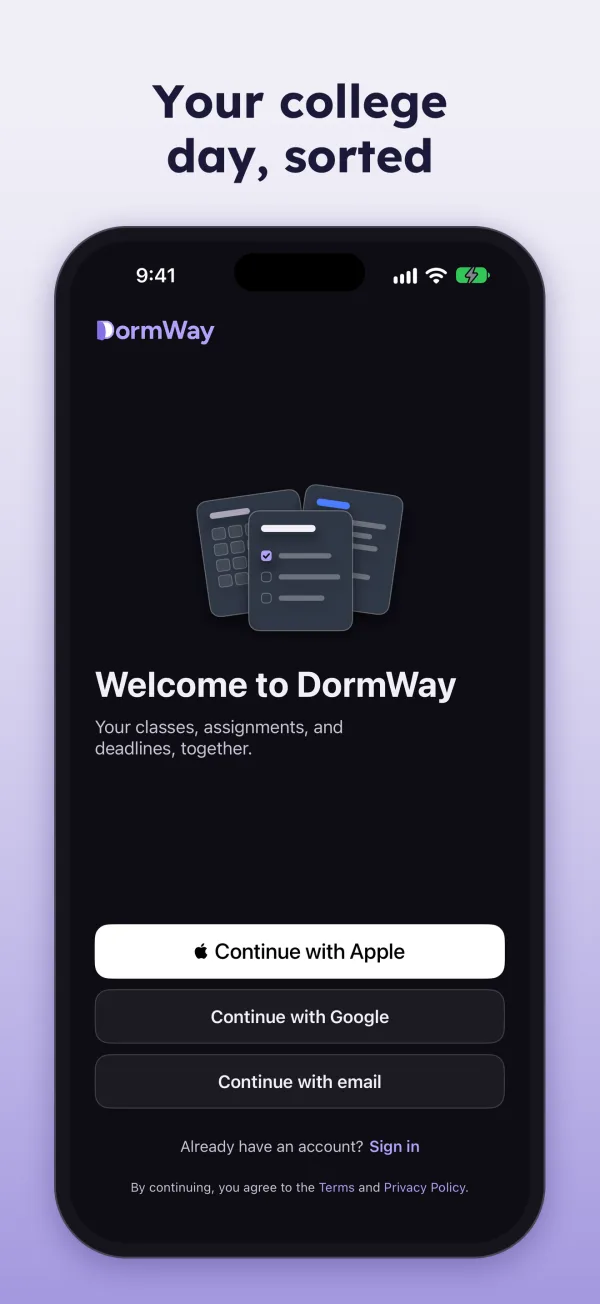
  • Your college day, sorted. The welcome screen.

DormWay for Mac

Rebuilt from the ground up. Your whole week on one screen, with Ace beside it, and lectures recorded as you take notes.

Download on the Mac App Store
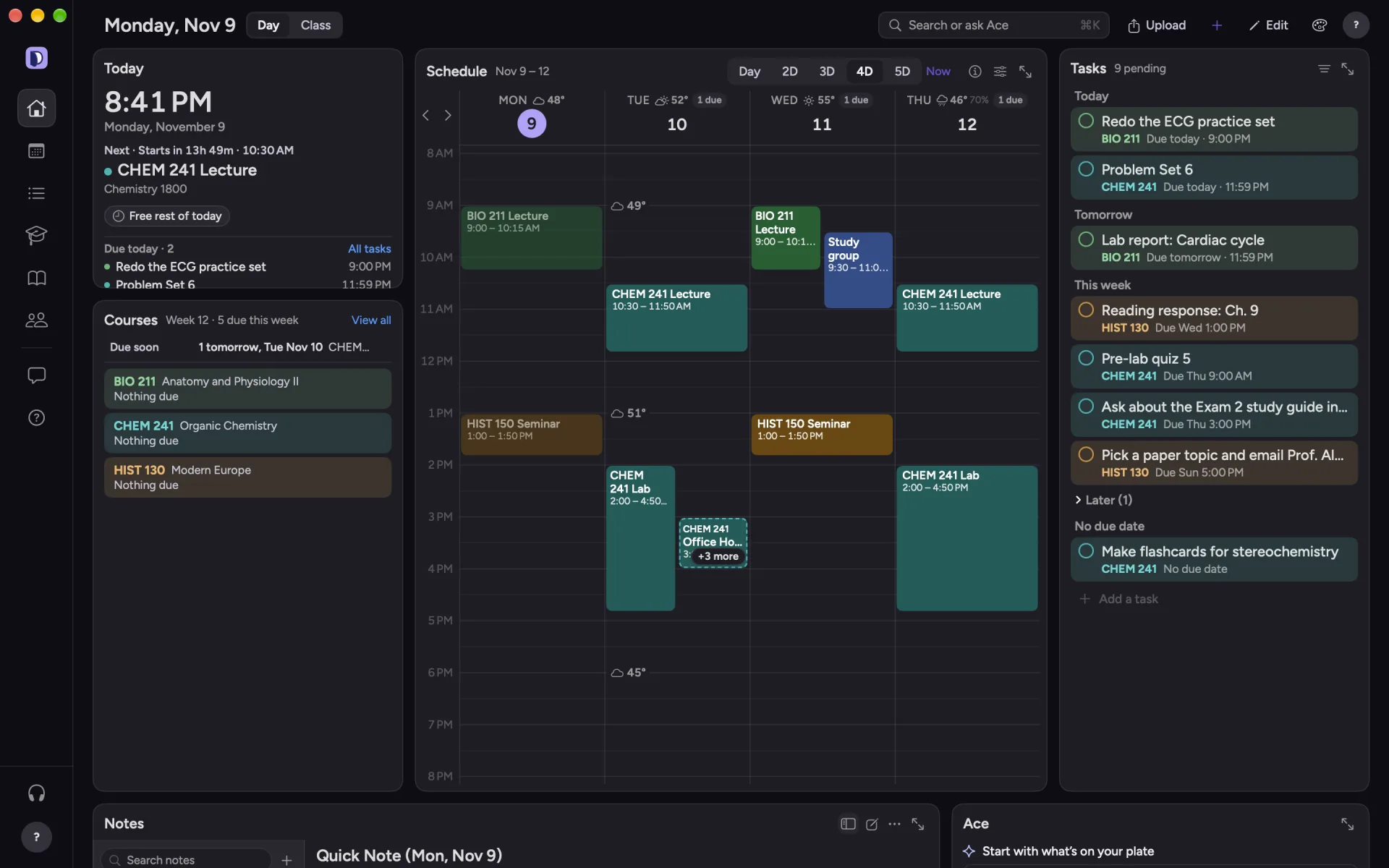
  • Your whole week on one screen

    DormWay for Mac: Today with the week's schedule, tasks and courses.
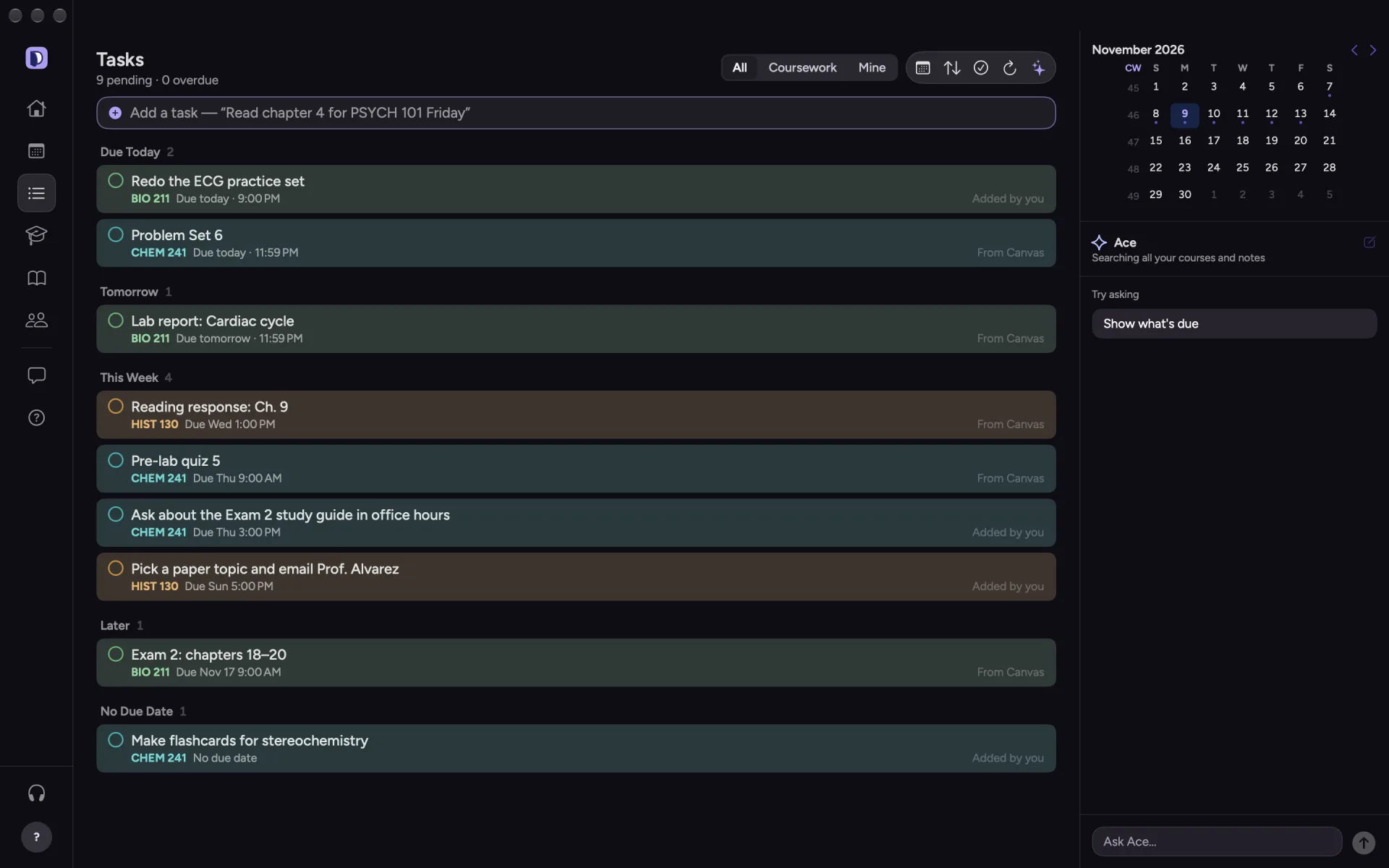
  • Every task, sorted by due date

    DormWay for Mac: Tasks grouped by due date.
  • Classes and deadlines in one calendar
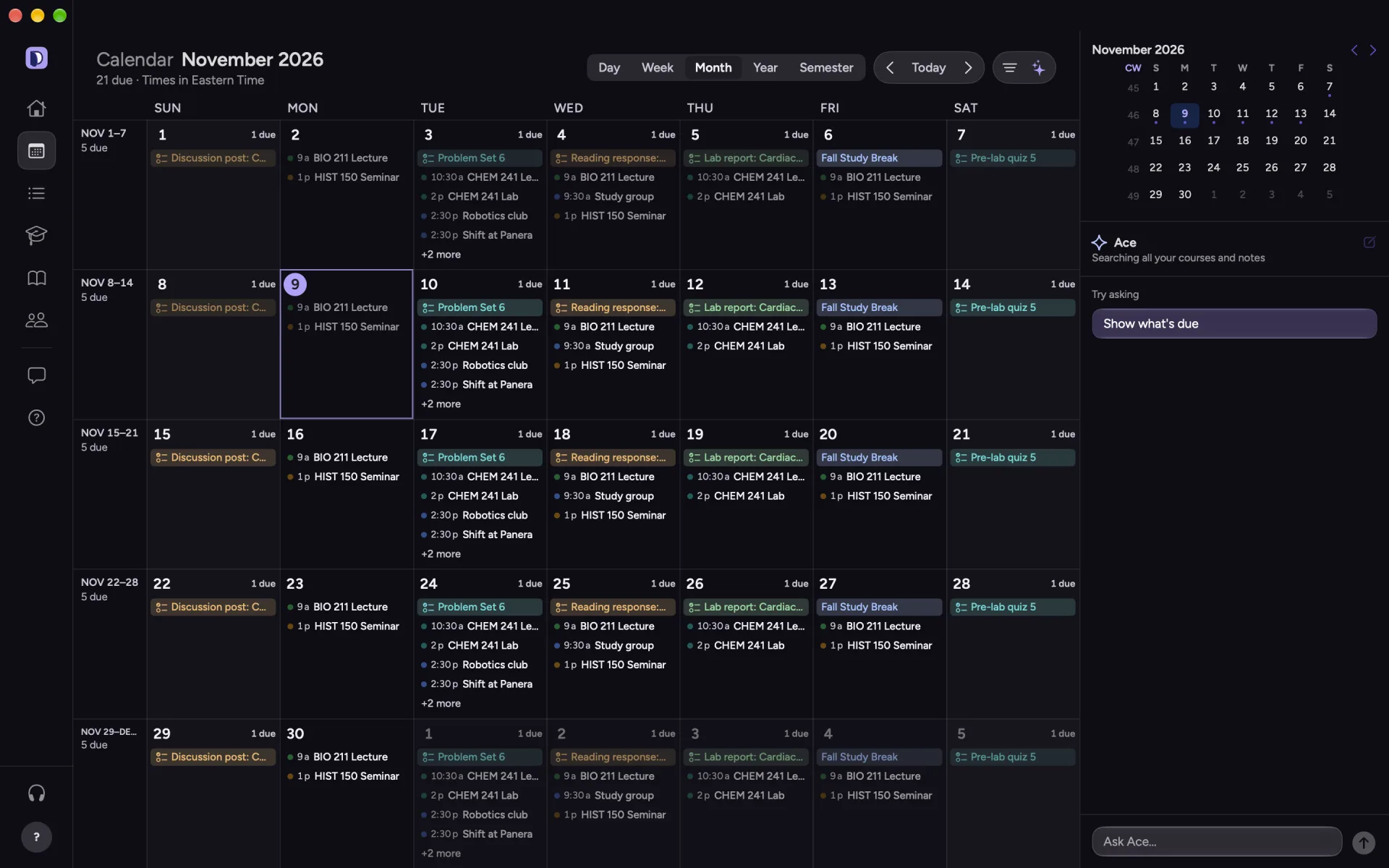
    DormWay for Mac: the month calendar with classes and deadlines.
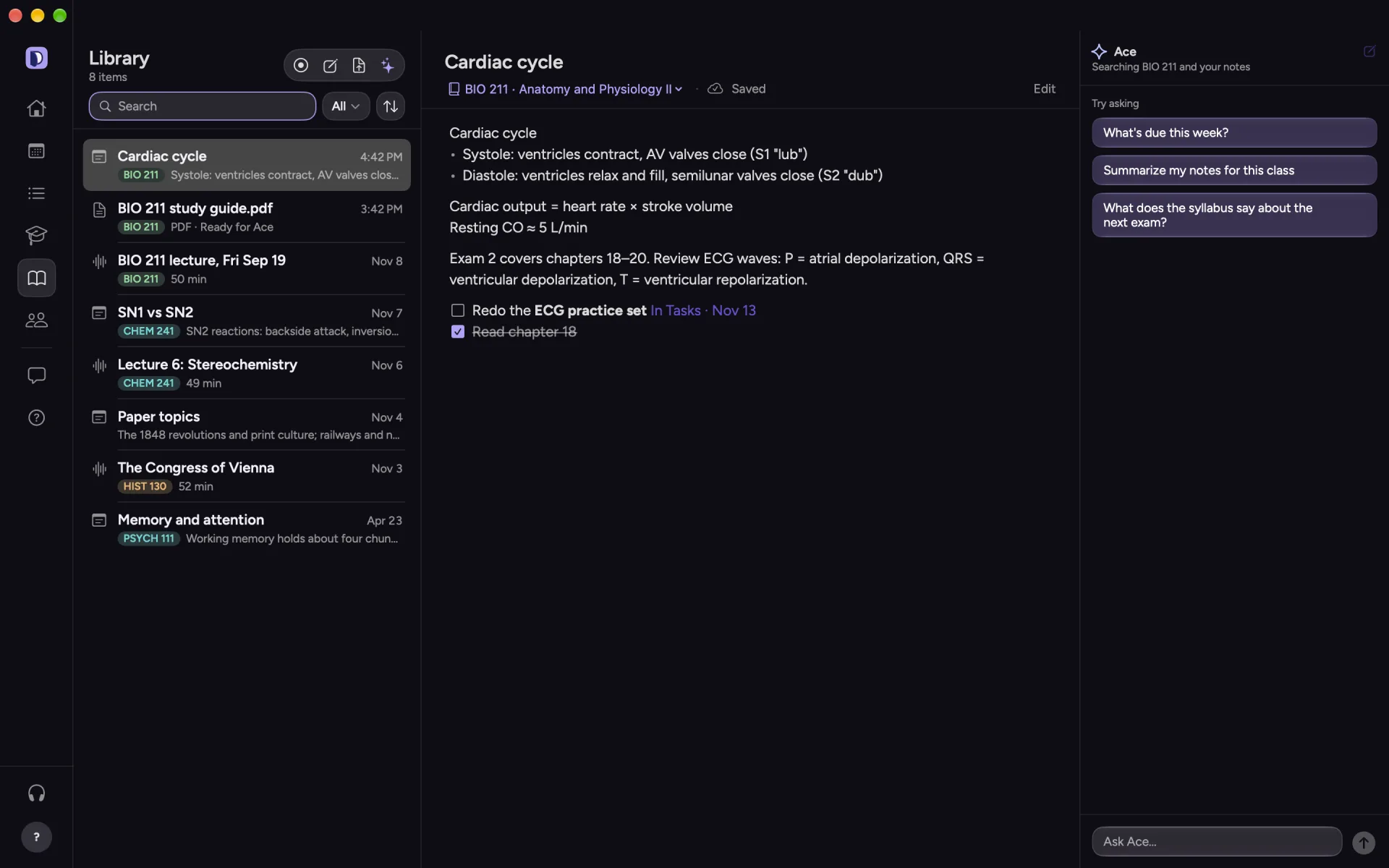
  • Notes, lectures and files together

    DormWay for Mac: the Library with notes, lectures and files.

iPad, Claude and the web

Room to plan on iPad

Your courses in the sidebar and the whole day in view. The iPhone download includes it.

Download on the App Store
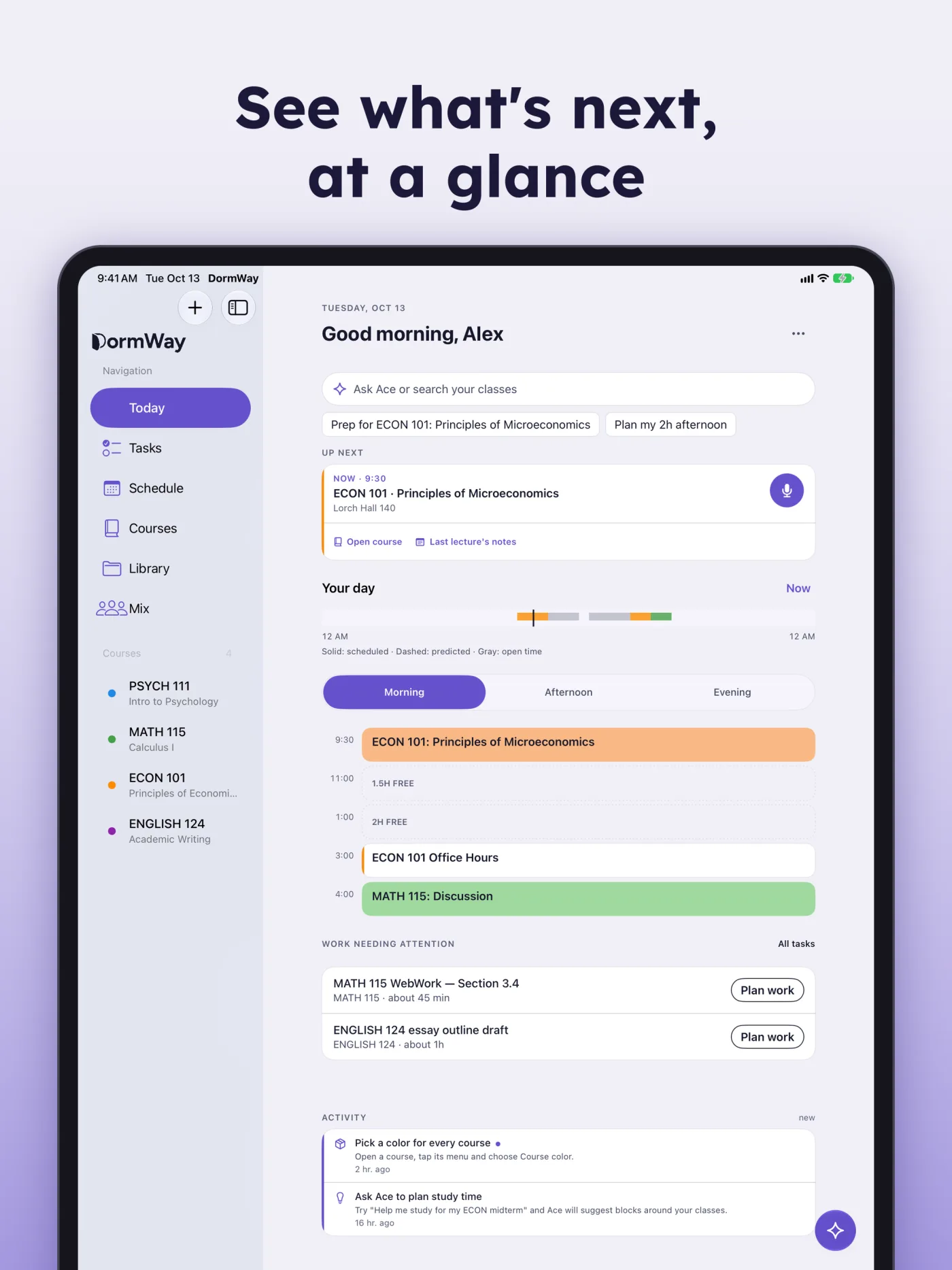
See what's next, at a glance. DormWay on iPad showing Today with the course sidebar.

DormWay in Claude and ChatGPT

Ask about your schedule, assignments, and syllabi from the chat you already use. Add DormWay from the Claude directory, or connect ChatGPT and other MCP clients yourself. A ChatGPT directory listing is coming soon.

DormWay on the web

Nothing to install. Sign in from any browser.

Open DormWay
DormWay. Your college day, sorted. Download on the App Store.
Download DormWay